Encrypted Bluetooth
After Face ID, the login rides an encrypted Bluetooth link to the board you paired yourself. The stream never looks like plain text on the air.
Instasign
Skip the typing.
 Instasign


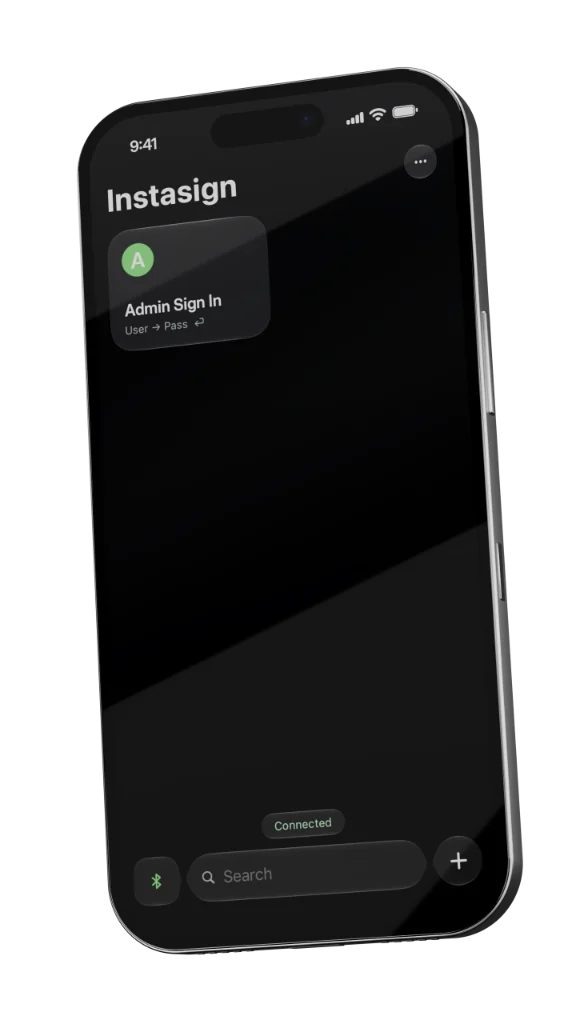
Select your password
A demonstration on this page. Nothing is sent to a board. Auto-Enter stays off.
Scan and you're in. No more tedious, repetitive typing.
The phone
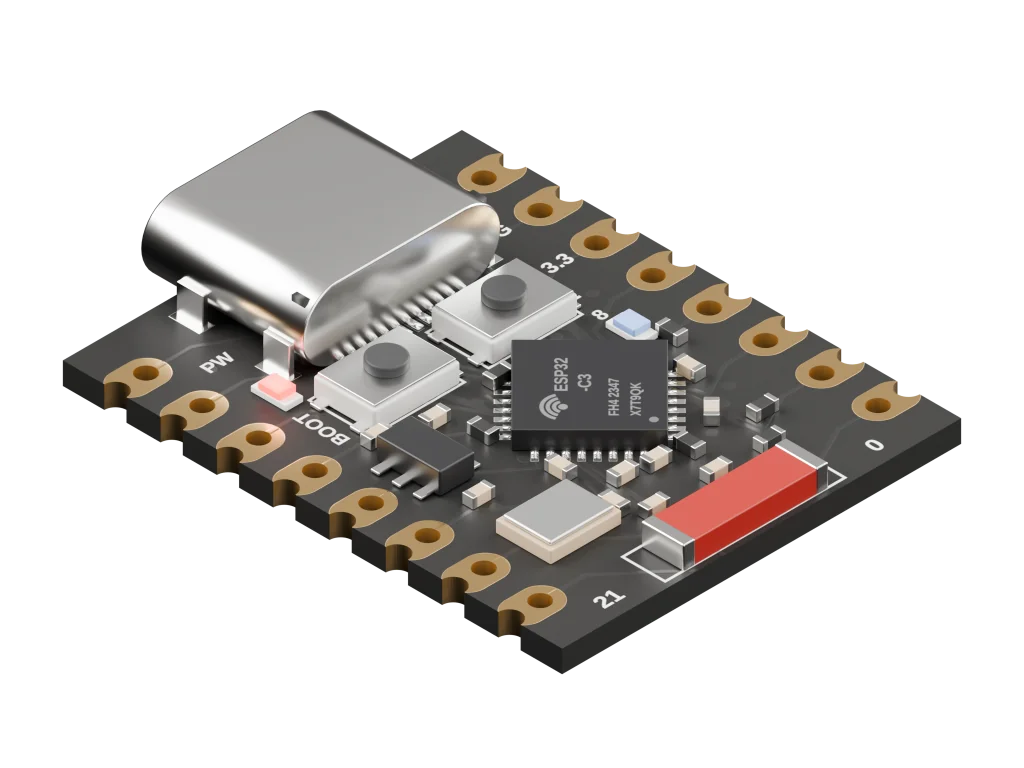
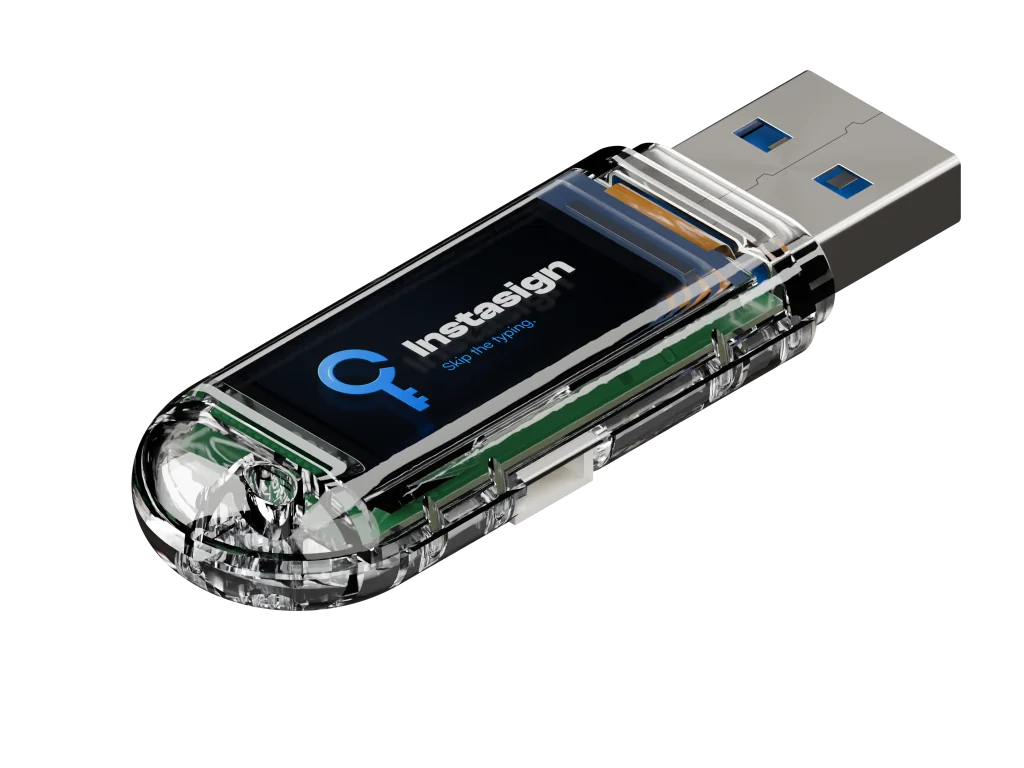
The boards
Checking firmware files.
Product
A phone app and a tiny USB board. Face ID unlocks a login on your phone. The board types it into the computer like a keyboard.
Logins live in the iOS Keychain on that device. Nothing sits in the cloud waiting to sync.
You tap a login. Biometrics unlock it. Only then does anything leave the phone.
It shows up as a keyboard. It types the username, Tab, and password into the focused field.
Security
The phone holds the secrets. The board only types. The radio is encrypted Bluetooth — never Wi‑Fi.
After Face ID, the login rides an encrypted Bluetooth link to the board you paired yourself. The stream never looks like plain text on the air.
The board does not store your passwords. It receives what the phone sends, types it once, and keeps only the Bluetooth bond — which you can wipe with a long press of BOOT.
Nothing stored
An ESP32-C3 Super Mini, and a LilyGO dongle. Flash the one on your desk.


Coming to TestFlight. Logins stay in the iOS Keychain, on that phone only.
Coming to TestFlight